Get more likes.
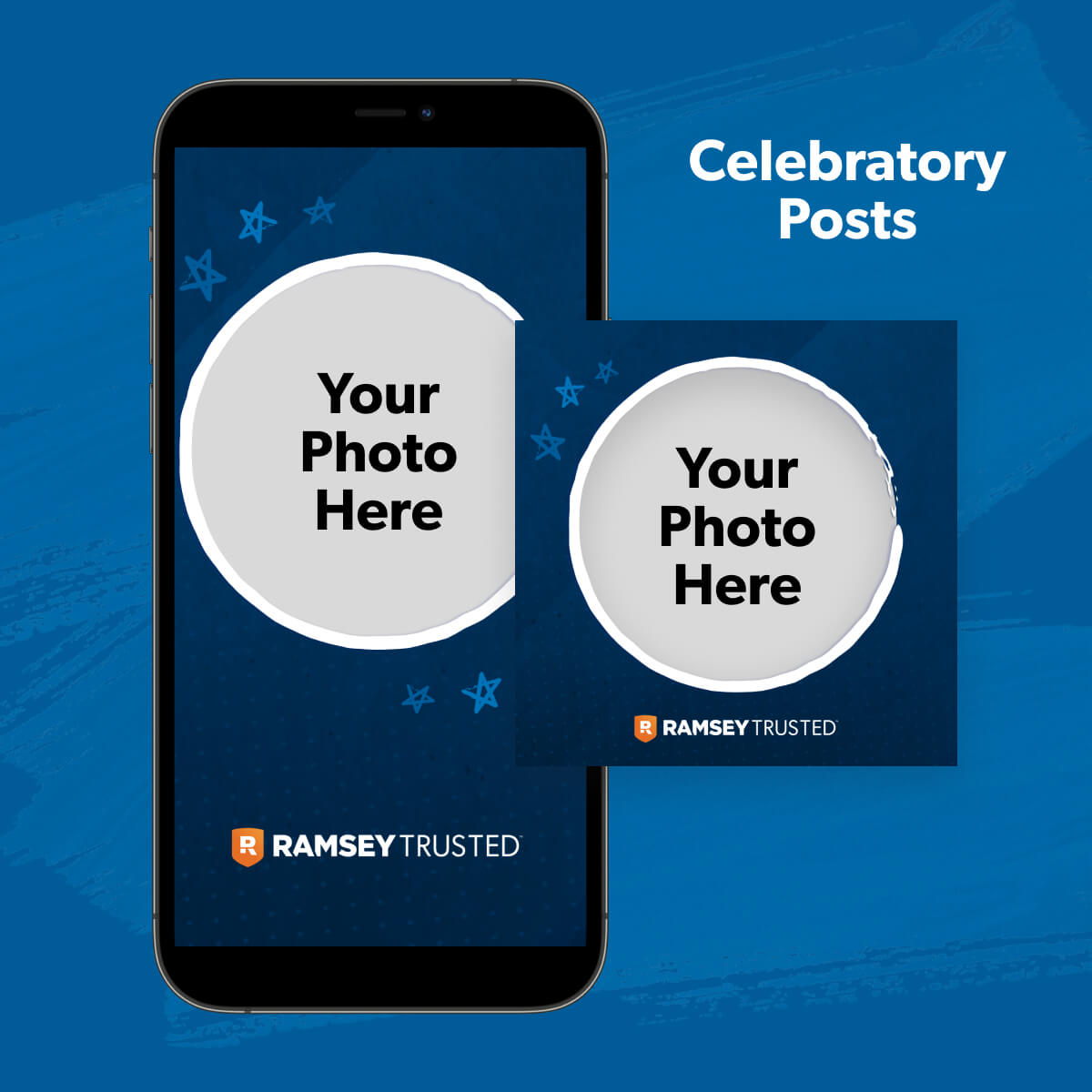
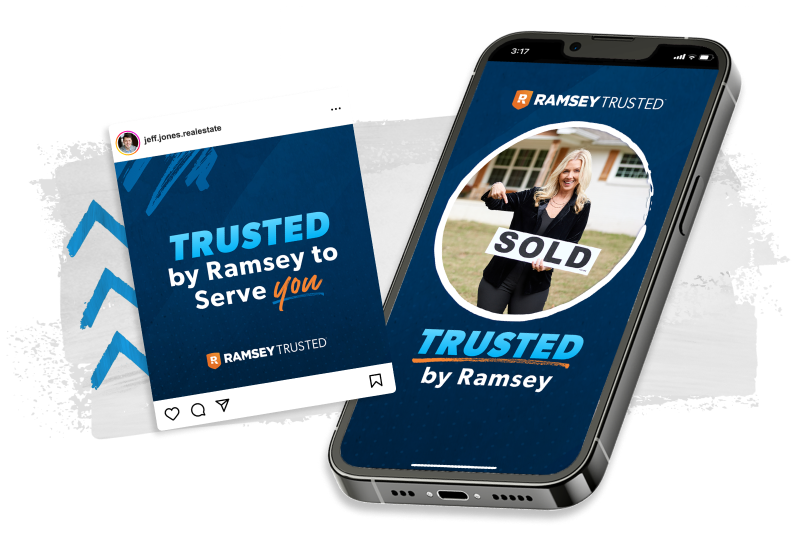
Show off your RamseyTrusted status to your followers! Announce that you’ve joined the program, celebrate a closing––seriously, go nuts. We love checking out your RamseyTrusted pics.
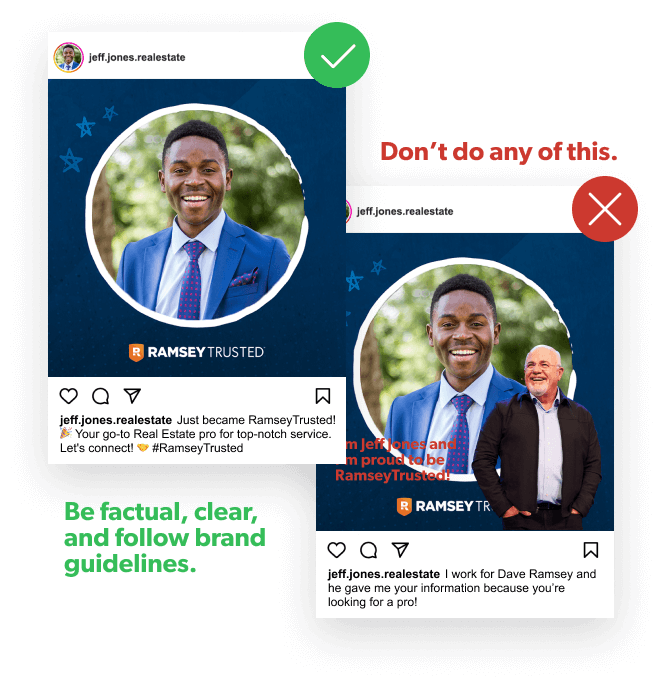
Do's and Don'ts
Do
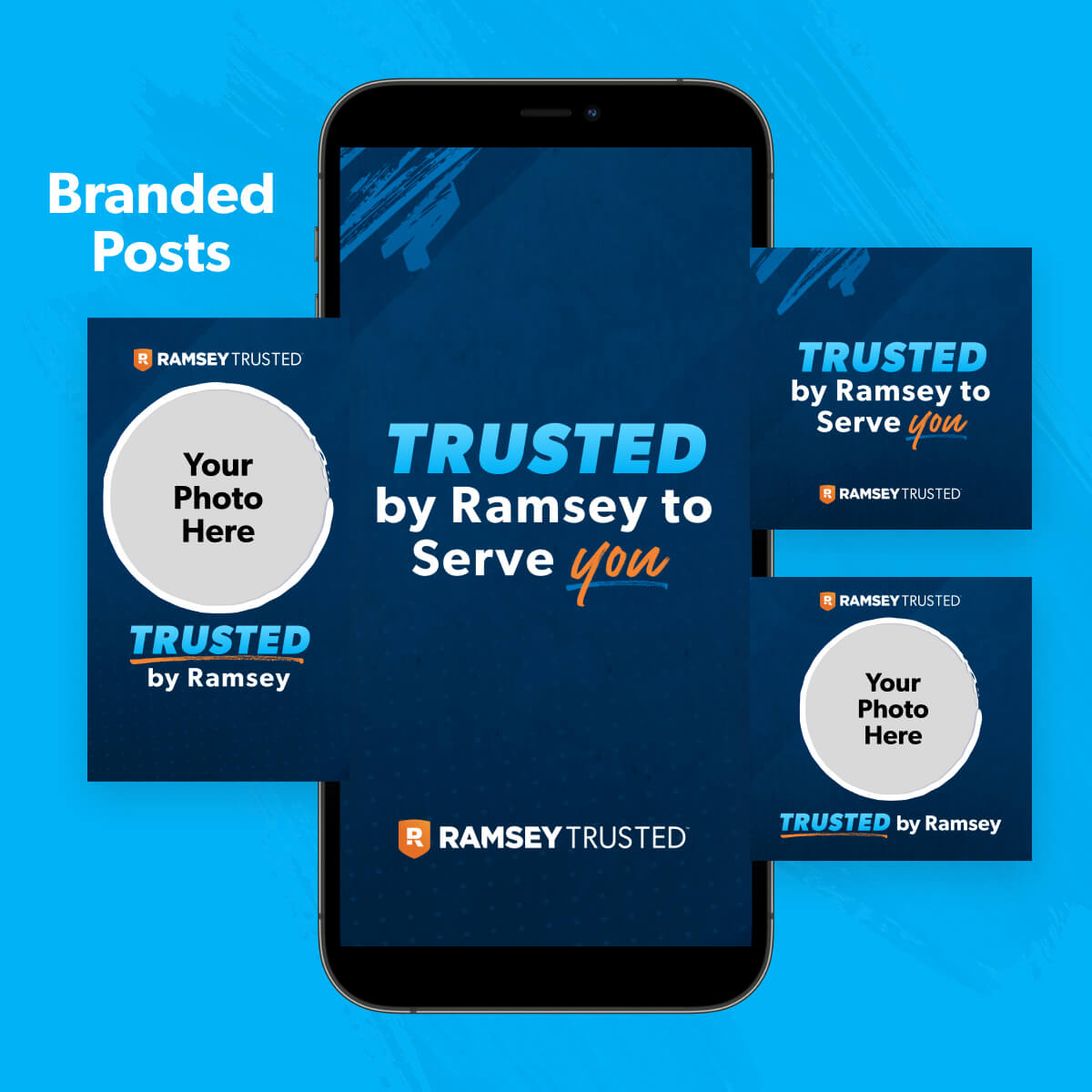
- Add your image or logo to the social asset that has a blank spot for it.
- Post these to your socials with #RamseyTrusted.
- Send this to us for approval before posting. If you didn’t alter them (beyond adding your pic in the designated spot), you’re good.
Don't
- Use these images or anything else with the RamseyTrusted logo in any paid digital advertising (like when you buy ads on Facebook, LinkedIn, Google, etc.)
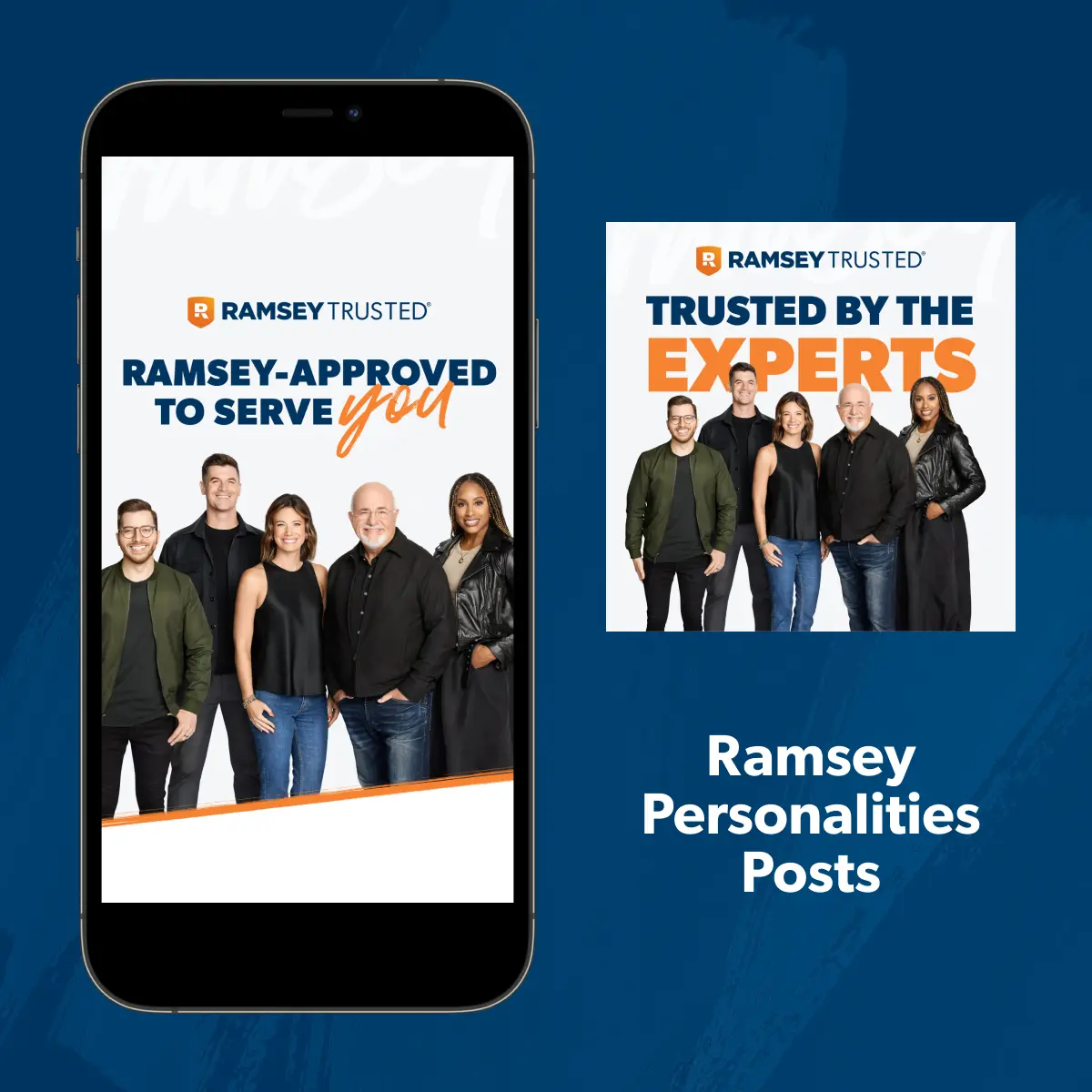
- Use the image or likeness of Dave or any other Personalities on paid promotional or advertising materials
- Photoshop a pic of you and Dave together (That’s weird . . .)
- Format these images for your website. Trust us––they won’t look right. (Go to the Website tab for that!)
- Send these graphics in emails, text messages, and other direct-distribution content.
How to Download
1
Click the button under whichever asset you want to use.
2
Click the zip file that pops up in your Downloads folder.
3
Open the pic you want, save it and post it!
If you don’t have a designer to craft the pics with a blank space, there are a few free resources you can use to make the images your own. (Try Canva!)