
What Is Rocket Money? An Honest Review of the Budgeting App (2026)
 By
By
Key Takeaways
- Rocket Money is a personal finance app that helps you manage bills, monitor spending, and cancel subscriptions.
- The app is free to download, but you need a premium subscription to use Rockey Money’s best features, which costs $7–12 a month.
- Rockey Money’s bill negotiation feature charges you a 35–60% success fee—on top of the premium subscription cost.1
- Rockey Money is a money tool that is hands-off—the opposite of how you actually win with money.
- If you want a budgeting app that helps you make a plan for your money, EveryDollar is the better choice.
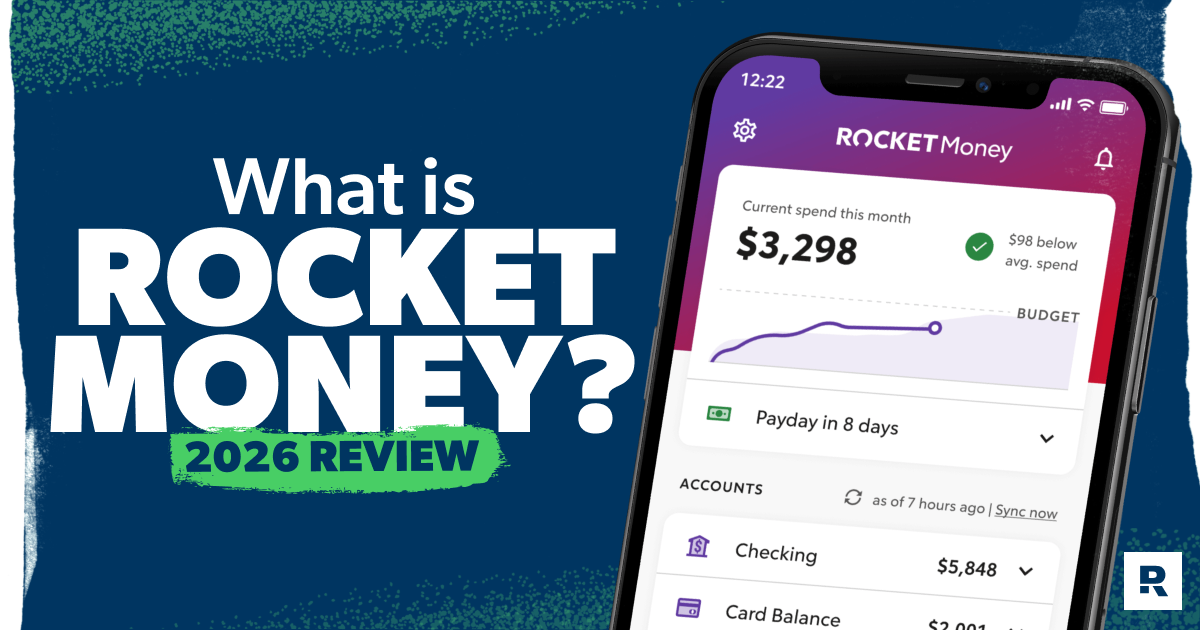
You’ve seen the ads. Rocket Money says they’ll cancel subscriptions for you, track your spending, and lower your bills by negotiating with your service providers.
Here's a Tip
Rocket Money is a personal finance app owned by Rocket Companies that helps users identify and cancel unwanted subscriptions, negotiate bills, and track spending in one place. The app is free to download, with premium features costing $7 to $12 per month. But Rocket Money might not be the best fit if you’re really trying to take control of your money.
We’ll walk you through what the Rocket Money app does, how much the Rocket Money costs add up to, and whether it fits a real plan for winning with money.
What Is Rocket Money?
Rocket Money is a bill management and budgeting app owned by Rocket Companies—the same people behind Rocket Mortgage, Rocket Homes and Rocket Loans (basically everything Rocket . . . except NASA).
Today, the Rocket Money app has over 10 million users.2 That’s a lot of people letting an app manage their money for them. And honestly? That’s part of what concerns us.

If you’re looking for an app that will cancel your unwanted subscriptions and negotiate bills for you, Rocket Money will do that (for a fee, of course). But if you want a budgeting tool that will help you take control of your money to reach your money goals, Rocket Money is not the app for you.
Rocket Money offers tools and services that are supposed to make managing your money more convenient and effortless. But really, you’re just paying them to do things you can easily do yourself for free. Even though Rocket Money says they “empower you to save more, spend less, see everything, and take back control of your financial life,” they encourage you to be as hands-off with your money as possible. And being hands-off with your money is not how you hit your financial goals. It’s how you end up broke.
The Budgeting App That Finds Hidden Margin
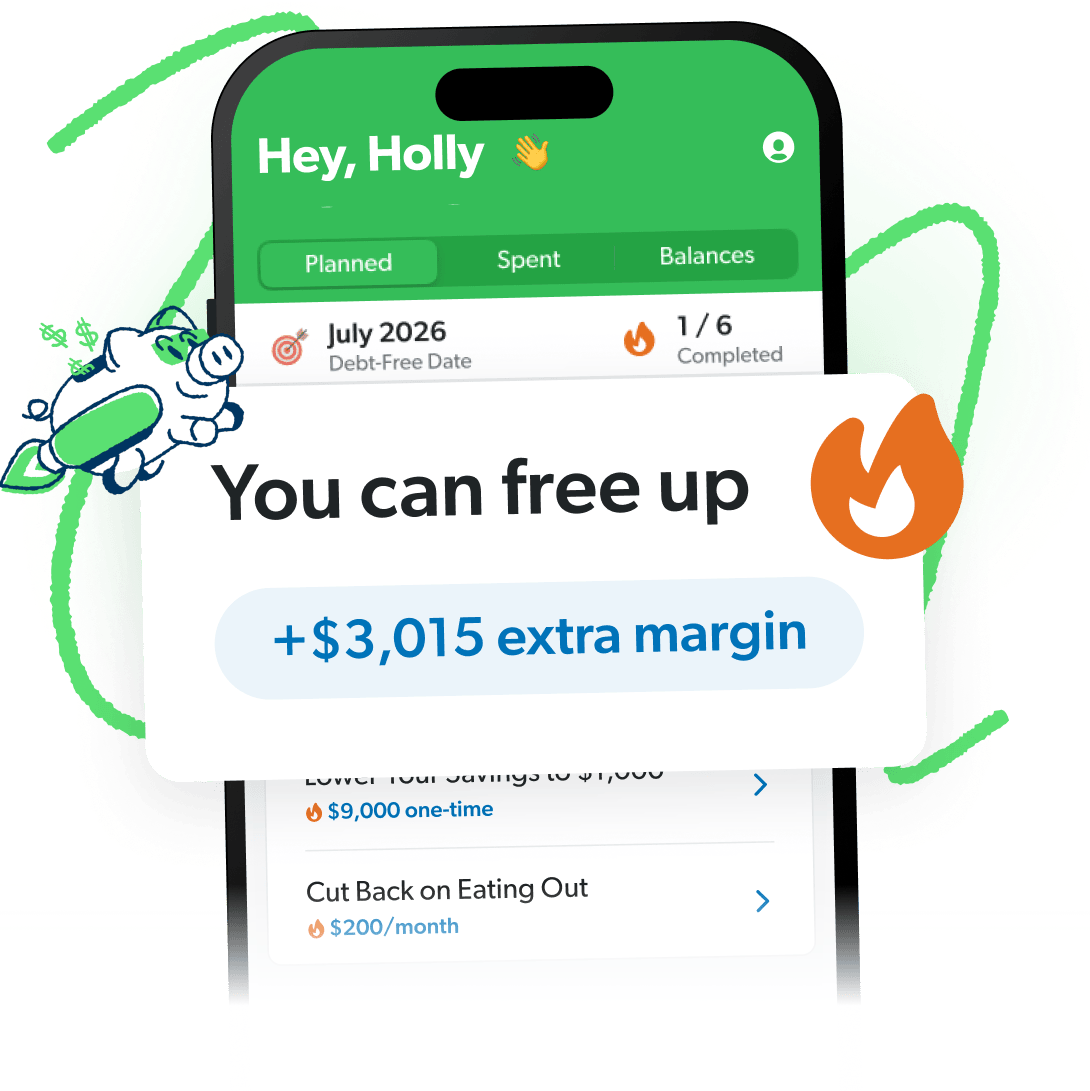
You’ve got more margin than you think. EveryDollar helps you find it in minutes so you can start making real money progress, really fast.
Rocket Money Features: What the App Actually Does
So, what can you do with the Rocket Money app? You can see a lot—that’s for sure. But do? Not much. Here are the main Rocket Money features:
Subscription Management
Rocket Money will identify recurring payments from your spending and list your subscriptions in one place—as well as when each is due—so you can avoid late fees and overdrafts.
But their main feature is that they’ll assign you a “concierge” to cancel any duplicate or unwanted subscriptions for you. (Because apparently there are a ton of people who don’t know they’re paying for two Netflix memberships every month?)
Yeah, having a digital butler who cancels your subscriptions is convenient. But you only get this service if you pay for the premium membership. And in the time it takes you to upload a copy of your most recent bill to the app, you could’ve already hit that cancel button or called the customer service rep yourself.
Also, Rocket Money isn’t Liam Neeson. They don’t have a special set of skills that allow them to cancel the things you’ve already tried to cancel. Sorry, but there are some things you’re just going to have to get out of yourself: gym memberships, cults . . . gym cults. Rocket Money only tackles the subscriptions that are easy to cancel—which, again, are also the ones you can cancel yourself for free.
Bill Negotiation
If Rocket Money thinks a certain bill is too expensive, they may offer to negotiate that bill on your behalf. But they’ll also take a cut of the savings—which kind of defeats the purpose.
Rocket Money charges 35–60% of the amount they help you save for the year.3 So, let’s say they negotiate your phone bill to a lower price and save you a total of $175 for the next year. That means you’d have to pay them an upfront fee of anywhere from $61–105 . . . to do something you could’ve done for free!
Also, some of these savings may only apply to the first year. And you could end up stuck with a plan that doesn’t have all the features you wanted in the first place. Even if you hate going back and forth with customer service on the phone, you can still negotiate your own bills and keep 100% of the savings.
Budgeting
The Rocket Money app technically has a budgeting experience—it’s just not a very good one.
You can set up a budget to keep track of your expenses throughout the month. But you can’t create unlimited budgets and customize your budget categories unless you pay for the premium version.
And since Rocket Money categorizes your transactions for you, it’s super easy for purchases to get put in the wrong category and throw your whole budget out of whack.
Bottom line: You should be the one controlling your budget—not Rocket Money!
Spending Insights
The Rocket Money app also tracks your spending. It shows you how much you’ve spent versus earned, what your top spending categories are, and how much you have left to spend for the month.
But Rocket Money’s version of budgeting is more about monitoring than managing. You can see how much you’ve already spent, but they don’t make it easy for you to tell your money where to go in the first place.
This kind of basic budgeting isn’t going to help you change your spending behavior and save money. Basic budgeting gets you basic results.
Account Linking
You can link your checking, savings, investment and debt accounts to see everything in one place. Useful? Sure. Revolutionary? Not even close—every major budgeting app already does this.
Net Worth Tracker
By having all your assets and debts in one place, Rocket Money can determine your total net worth and how it changes month to month. That’s good to know, but calculating your net worth yourself is much easier than you think!
Just add up all your assets (bank accounts, retirement, real estate, etc.) and subtract your liabilities (credit card debt, student loans, car loans, etc.). Then (ta-da!) you have your net worth. You don’t need Rocket Money to do that.
Automatic Savings
Rocket Money’s Financial Goals feature will automatically move money into a savings account for you—a Rocket Money savings account, naturally. Your own bank can do this for free. Set up an automatic transfer, and you’ve just done the same thing without handing a third party access to your finances.
Credit Score Monitoring
Rocket Money will give you your current credit score, as well as your credit report and history. But just like Credit Karma, Rocket Money wants you to be obsessed with trying to improve your credit score. And of course, Rocket Money’s got a whole suite of debt products to help you do just that. If you’re not careful, you’ll fall right into their trap—and straight into debt.
How Much Does Rocket Money Cost? (Free vs. Premium)
Rocket Money is free to download. The Rocket Money premium subscription costs $7 to $12 per month, with a seven-day free trial.4
Why the range? Well, they’ve got a pay-what-you-think-is-fair scale (which, let’s be honest, is confusing). The strange thing is, someone who pays $84 a year gets the same Rocket Money premium features as someone who pays $144 a year. Make it make sense!
The free version of Rocket Money includes:
- Account linking
- Balance alerts
- Subscription management
- Spend tracking
The premium Rocket Money subscription includes:
- Subscription cancellation assistant
- Bill negotiation (but you still have to pay an extra 35–60% of what they save you in the first year—on top of your subscription)
- Premium budgeting features (including custom categories and unlimited budgets)
- Net worth tracking
- Credit score monitoring
- Financial goals saving
- Shared accounts
- Chat support
You can also get the premium version of Rocket Money if you (surprise, surprise) apply for their Rocket Visa Signature Card. Because if they can’t make money from you using their app, Rocket is going to make money off you with their other debt products.
How Rocket Money Makes Money
Rocket Money earns revenue with its premium subscriptions, bill negotiation success fees (35–60% of your annual savings), the Rocket Visa Signature Card, and cross-selling other Rocket Companies products like Rocket Mortgage and Rocket Loans. The app isn’t designed to make you wealthy. It’s designed to make Rocket wealthy.
Is Rocket Money Safe?
Rocket Money is generally safe to use. Instead of storing your login info, they link your financial accounts using Plaid, a trusted financial data aggregator used by thousands of apps and banks. Your smart savings account is held in an FDIC-insured U.S. bank account.
Your data might be secure. But what you really need to worry about is what Rocket Money is taking from you. Because charging you up to 60% to save some money on your next bill, when all they really do is call up a company and read off a script? You’re not saving as much as you think you are.
Rocket Money Complaints: What Users Are Saying
Rocket Money currently has an Apple App Store rating of 4.2 stars. But you don’t have to do much digging to find all the complaints from former Rocket Money users. The most common complaints fall into three categories:5
- Unauthorized bill negotiation charges. Users report being charged for bill negotiations they didn’t know were happening, only to find out after the fact that Rocket Money had already taken their 35–60% cut.
- Difficulty canceling the premium subscription. Multiple users say the in-app cancellation process is frustrating and unclear, making it hard to cancel Rocket Money premium.
- Continued charges after cancellation. Some users report being charged even after attempting to cancel their Rocket Money account entirely. If this happens to you, dispute the charge directly with your bank.
So, is Rocket Money legit? Technically, yes. It’s a legitimate app owned by a publicly traded company. But “legit” and “worth using” are two different things—and all the complaints should give you pause.
How to Cancel Rocket Money
To cancel Rocket Money, open the app and go to Settings > Premium Membership > Manage Membership, then follow the cancellation prompts. If you keep getting charged after canceling, contact Rocket Money support directly. And if that doesn’t work, you should dispute the charge with your bank.
Is Rocket Money Worth It?
No, the free version doesn’t have enough features to make it worth using. And anything you can do with the premium version, you could do yourself for free or do better somewhere else.
How is Rocket Money useful? If you really don’t know what charges are coming out of your bank account every month, the subscription tracking feature could be a useful one-time audit tool. But that’s about it.
Rocket Money falls flat in basically every other way. It won’t help you make a plan. It won’t help you stop overspending. It’ll just show you a pretty chart of how you already did both.
Rocket Money vs. EveryDollar: Which Budgeting App Wins?
If you’re comparing Rocket Money and EveryDollar, it depends on what you’re trying to do with your money. If you just want to see where your money went, Rocket Money will show you. If you want to tell your money where to go before the month starts and stick to a budget, EveryDollar wins.
|
Rocket Money |
EveryDollar |
|
|
Budgeting style |
Passive monitoring |
Zero-based budgeting |
|
Cost |
Free or $7–12/month for premium |
Free or premium version is $6.67/month when billed annually |
|
Customization |
Limited on free plan |
Unlimited budget categories |
|
Who controls categories |
The app |
You |
|
Bill negotiation |
Yes (but it charges additional fees) |
No |
|
Best for |
Seeing what you spent |
Deciding what you'll spend |
Rocket Money watches where your money goes, but EveryDollar lets you tell your money where to go. If you want to win with money (not just track it), you already know which one to choose. You’ll find lots of budgeting apps out there, but EveryDollar helps you find more margin and put it to work to beat debt and build wealth.
Take Control of Your Money With EveryDollar
Rocket Money will show you what you spent, but it won’t help you decide what to do about it. That’s the difference between watching your money and managing it.
Don’t put your finances on autopilot. When you use an app that automatically manages your money for you, you lose touch with what’s happening with your money. And that’s exactly how you stay stuck.
The EveryDollar budgeting app gives every dollar a job before the month starts. You set the categories, you decide how much goes where, and you see exactly where your money’s been hiding. Download the app and set up your zero-based budget today! Start telling your money where to go instead of wondering where it went.
Next Steps
- Check out our budgeting apps comparison for 2026.
- Learn more about Dave Ramsey’s 7 Baby Steps.
- Budget every dollar with our EveryDollar budget.
-
How much does Rocket Money cost?
-
Rocket Money has a free version and a premium version. The premium version ranges from $7 to $12 per month on a pay-what-you-want scale. Bill negotiation adds a 35–60% success fee on top of premium.
-
Is the Rocket Money app legit?
-
Yes. It's a legitimate app owned by publicly traded Rocket Companies, with an A+ Better Business Bureau (BBB) rating. Note that BBB has closed many complaints—mostly around billing and cancellation.
-
What is the Rocket Money controversy?
-
Users have reported unauthorized bill negotiation charges, difficulty canceling premium subscriptions, and continued charges after attempting to cancel. Read complaints carefully before signing up.
-
Why did Rocket Money charge me $84?
-
The likely scenarios are: 1) you were billed for an annual premium subscription upfront ($7 × 12 = $84) or 2) you were billed a negotiation success fee. Check your Rocket Money account settings to confirm.
-
How do I cancel a Rocket Money subscription?
-
In the app, go to Settings > Premium Membership > Manage Membership and follow the cancellation prompts. If you continue to be charged, contact support and dispute the charge with your bank.
-
Is Rocket Money better than EveryDollar?
-
No. Rocket Money tracks spending—EveryDollar helps you make a zero-based budget that tells your money where to go. If your goal is control, not just visibility, EveryDollar wins.
Get Weekly Insights Delivered Straight to Your Inbox
Did you find this article helpful? Share it!

About the author
Ramsey Solutions

Get proven Ramsey answers fast.