
We thought it was going to take 12 months to pay off our debt. It only took six to seven. That gave us a reason to celebrate.
Colby D.
EveryDollar Budgeter
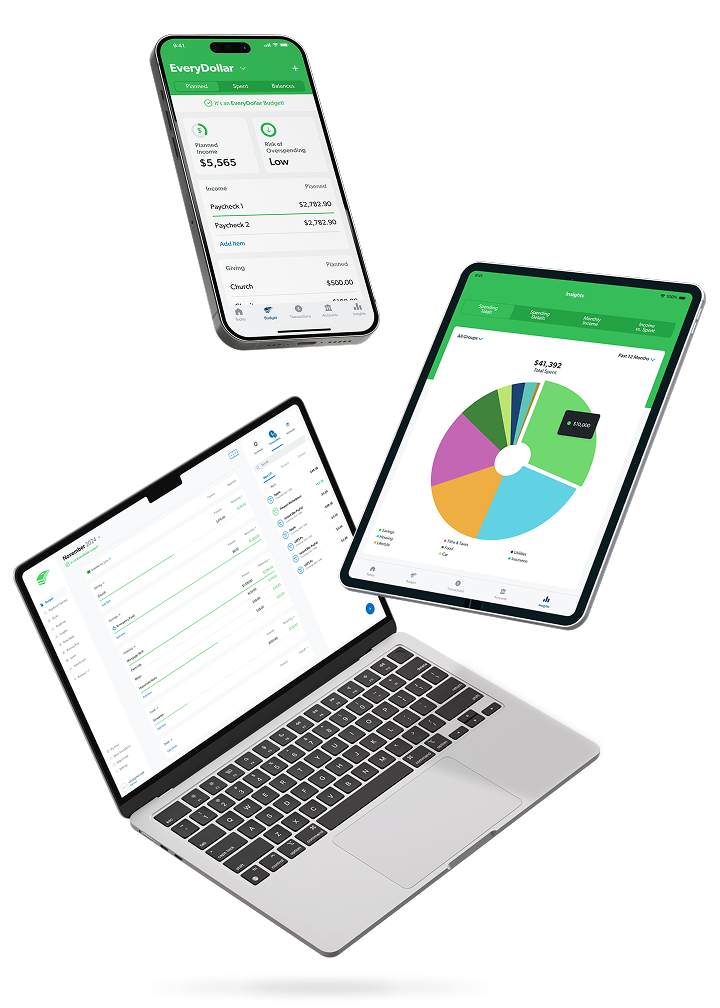
EveryDollar is the easy-to-use zero-based budgeting app that helps you keep tabs on your money at a glance—anytime, anywhere


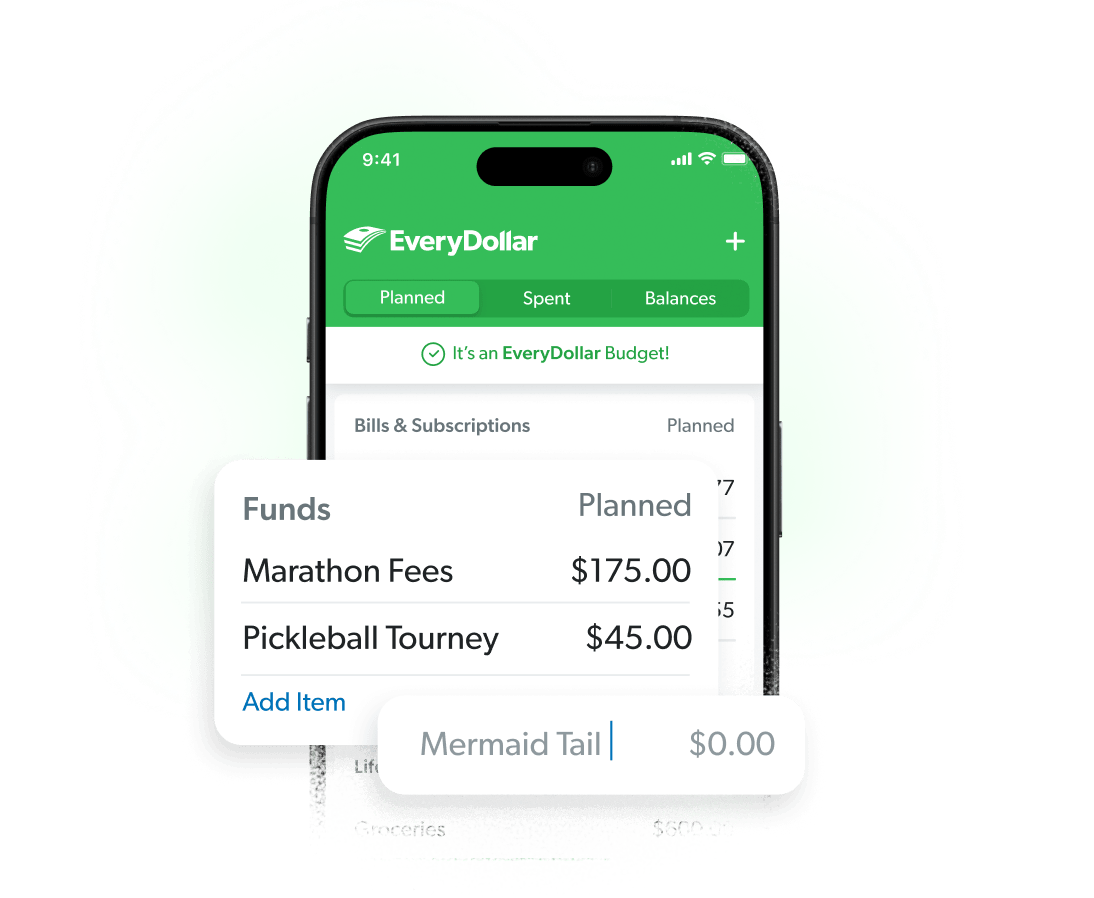
Whether you’re saving for a high-tech mermaid costume or stocking up on staycation snacks, EveryDollar makes it so easy to plan for it all. Customize your budget with unlimited categories!
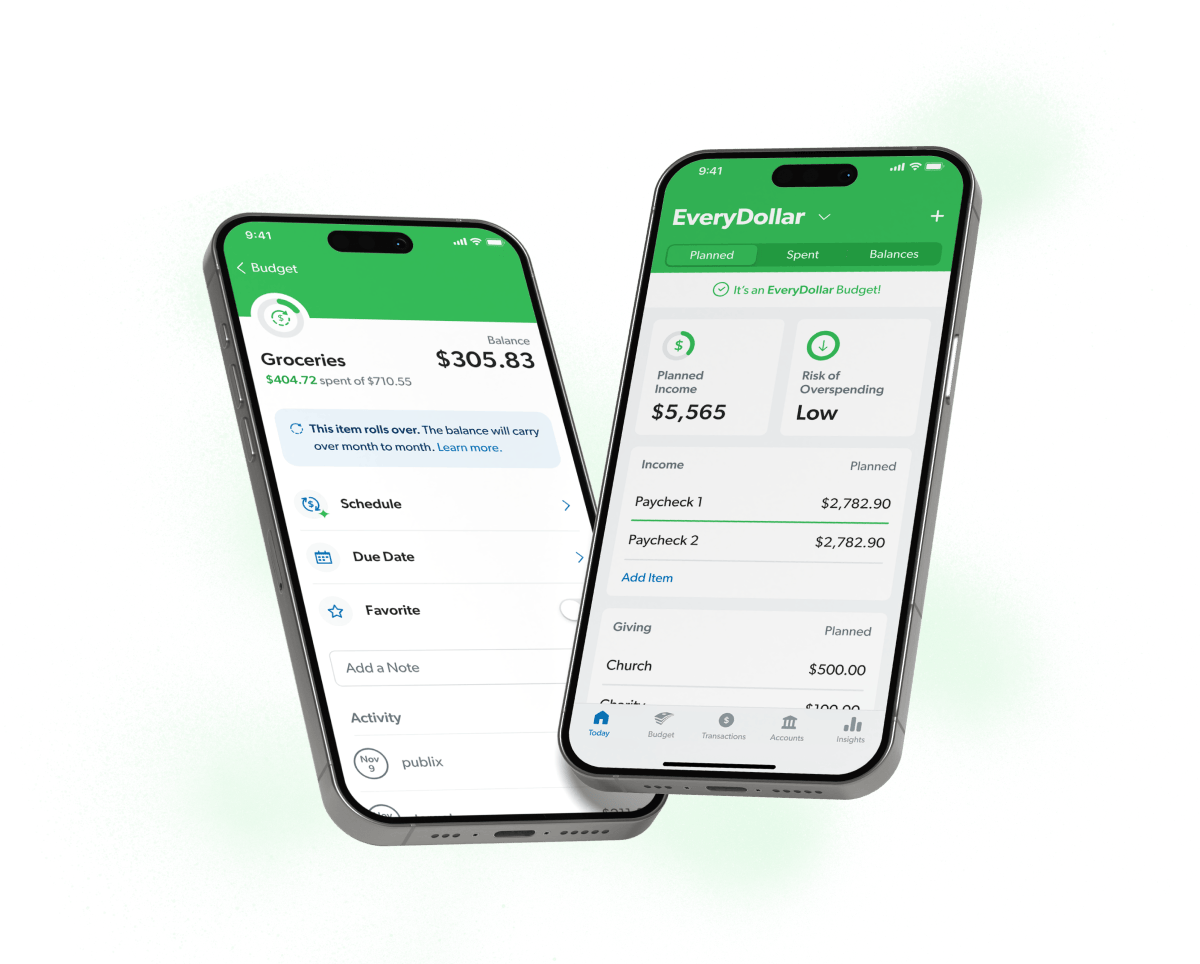
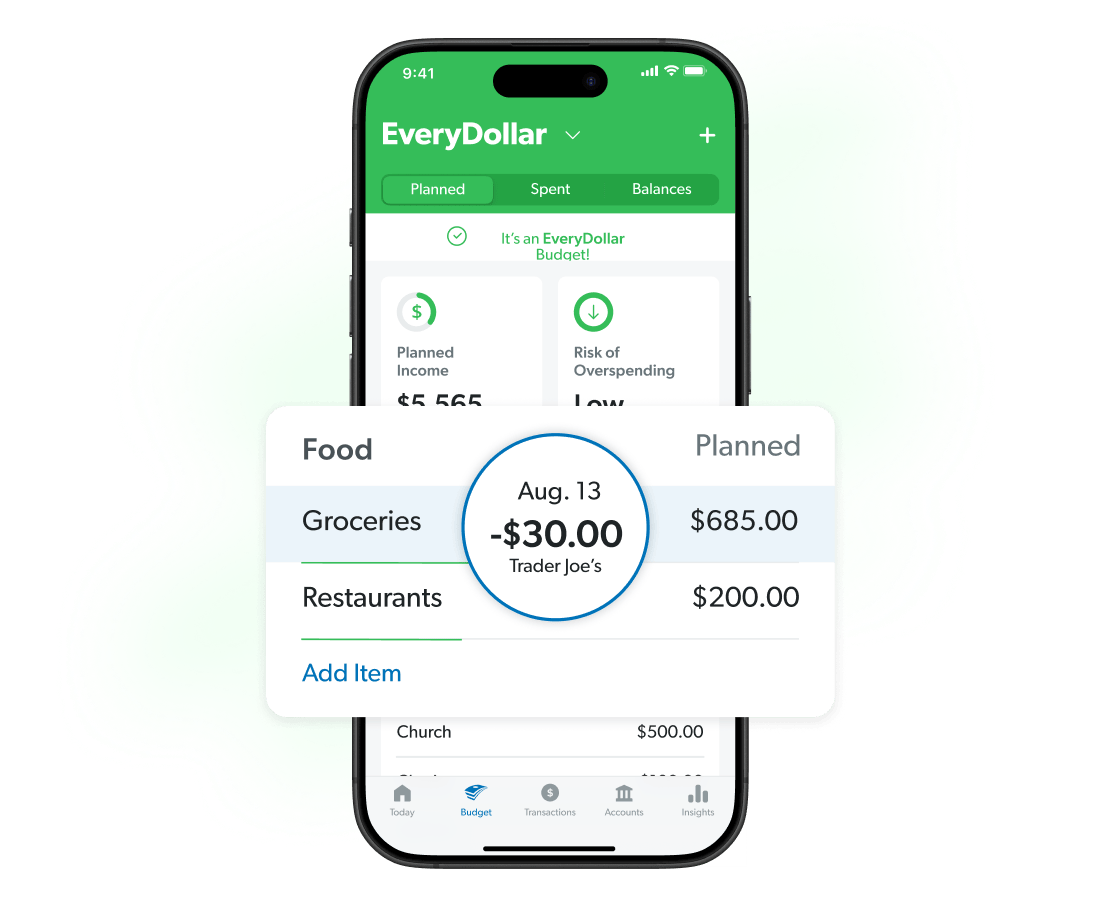
Stream transaction updates from your bank to your budget. Check balances on the go and see upcoming expenses at a glance. EveryDollar keeps up so you can keep moving!
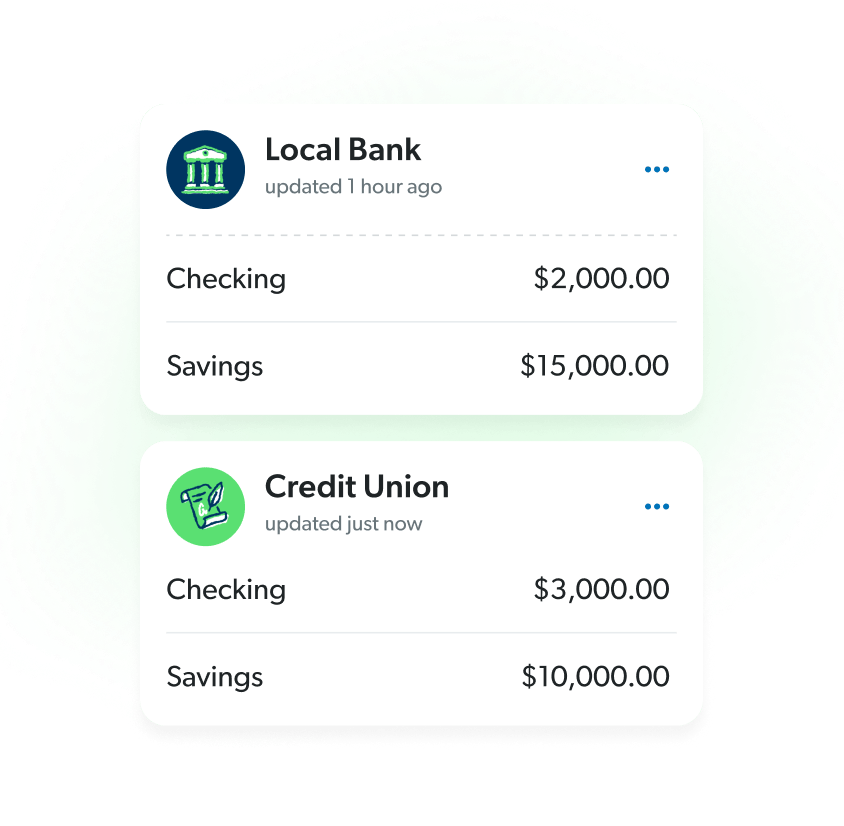
Streamline the way you manage your money by seeing all of your financial accounts conveniently in one place. No need to switch between different apps to stay on top of your finances.


Uncover an extra
$395 on average

Cut monthly
expenses by 9%

Build better
budgeting habits

Plan out your giving for the causes you care about.

Get ahead of pop-up expenses by saving proactively.

Earn the freedom to enjoy guilt-free spending.
We thought it was going to take 12 months to pay off our debt. It only took six to seven. That gave us a reason to celebrate.
Colby D.
EveryDollar Budgeter

We were losing like five grand a month on nonsense. Now, there’s so many doors that opened up that we don’t have to rely on anybody.
Francisco and Brishithe T.
EveryDollar Budgeters

I cried the first time we finished a month and actually had money left over. That had never happened before.
Christina I.
EveryDollar Budgeter

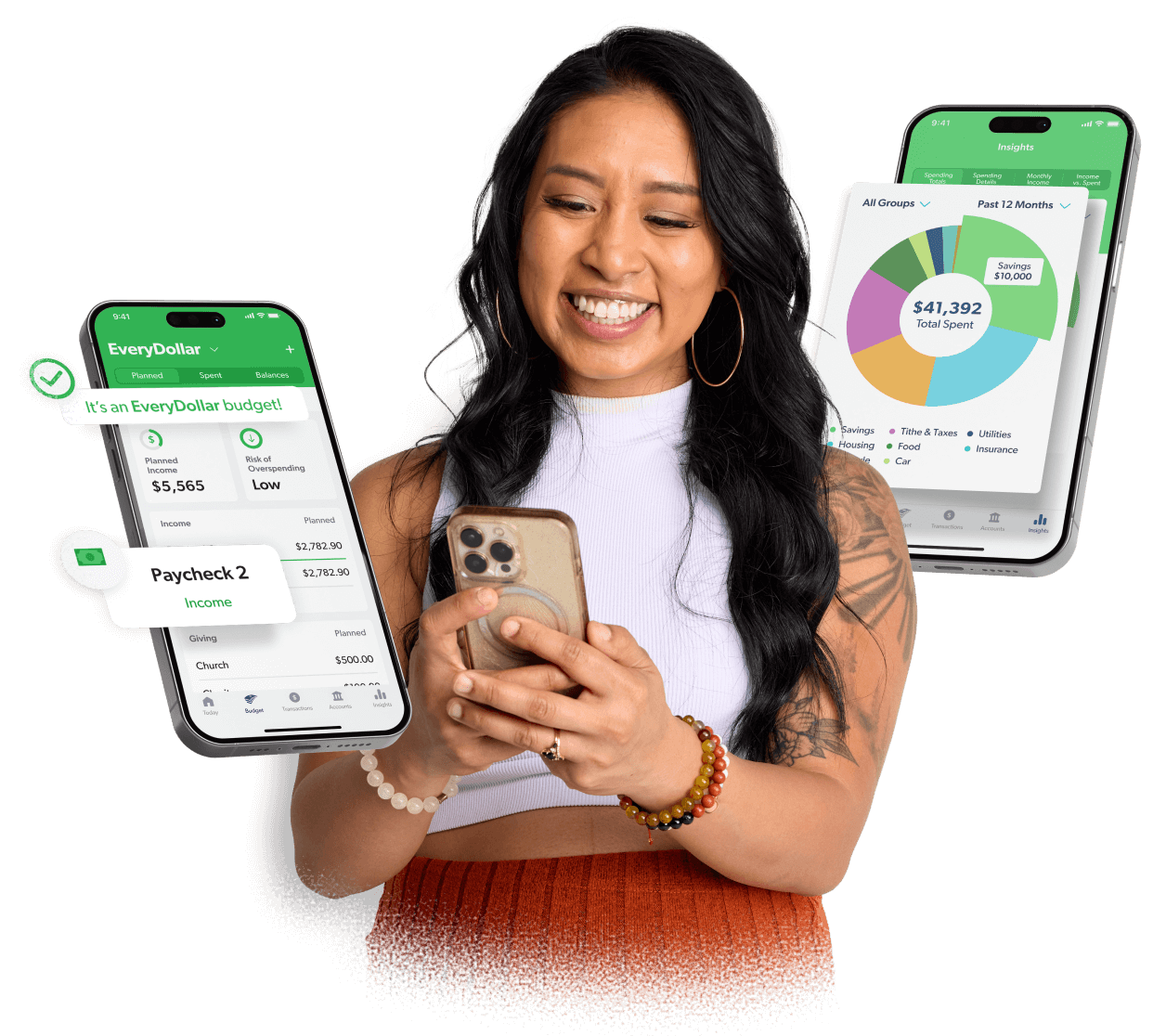
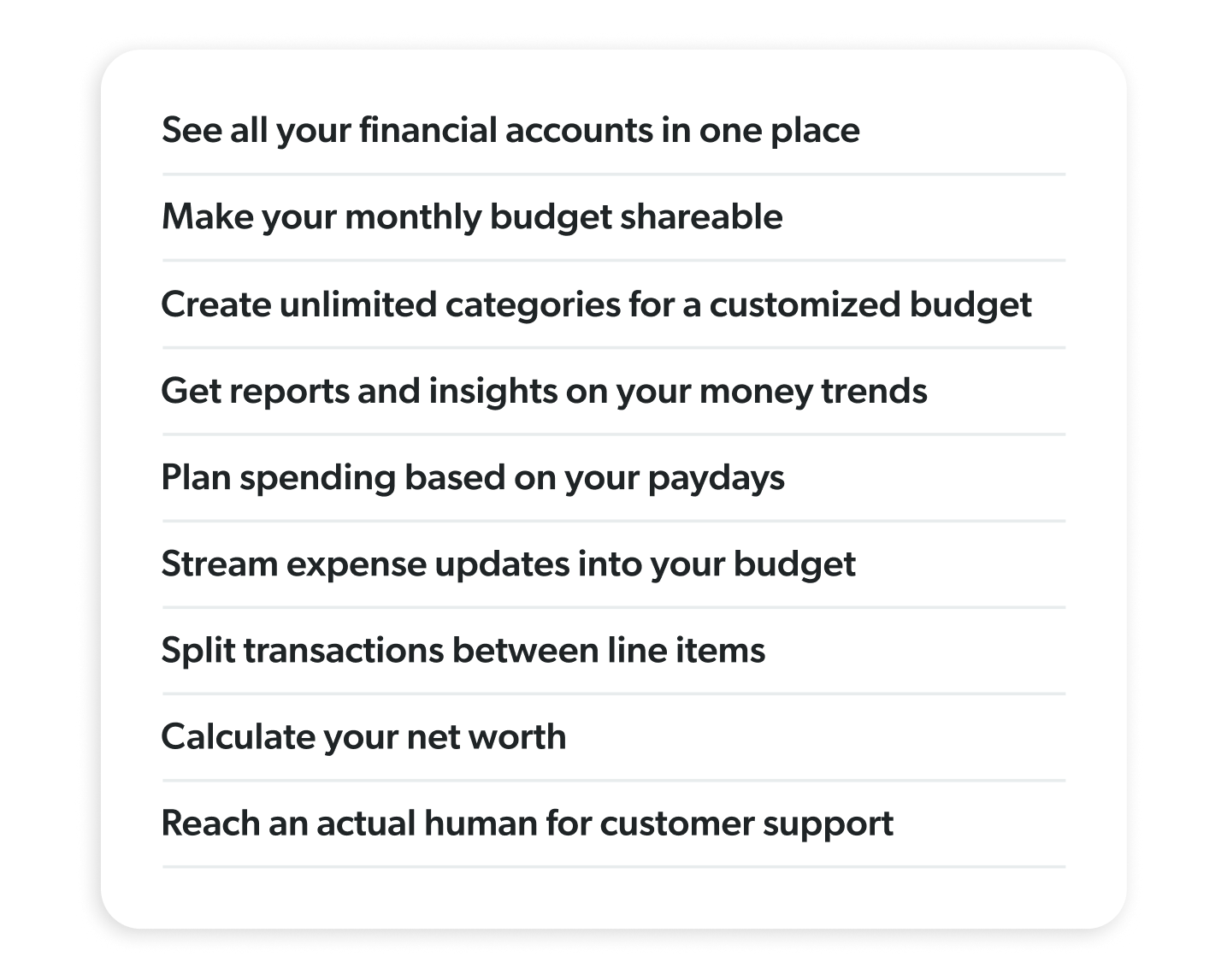
Look for a budget app that makes it easy to:
EveryDollar has a free version you can use as long as you want. If you want to experience the all-access version, EveryDollar premium, you can start with a 14-day free trial (new users only).
EveryDollar premium includes all the free features, plus upgrades that save you time and money, like:
Yes! With EveryDollar premium, bank connect pulls your transactions into your budget for you.
Yes! The household feature lets couples manage one budget together, even if you each sign in with separate emails.
Zero-based budgeting means you plan where every dollar goes before you spend it so your income minus expenses equals zero. EveryDollar makes it simple—helping you build your plan with custom categories before the month begins and showing you what’s left in each category as you go.
Yes. EveryDollar helps you work the debt snowball method, where you pay off your debts from smallest to largest regardless of interest rate. By focusing on the smallest debt first, you get a quick win and the motivation to crush the rest of your debt. EveryDollar tracks your progress and, if you get a little off track, recommends a new payment amount and where to find the margin to cover it.
You can cancel EveryDollar premium anytime. Canceling won’t delete your account. You’ll still have access to the free version.
Follow the steps below to cancel your subscription.
If you are billed directly by EveryDollar:
If you purchased through a third party:
If you subscribed to EveryDollar premium through Apple or Google Play, you’ll need to cancel directly with that provider. EveryDollar is not able to cancel or issue refunds for third-party purchases.
Yes. We take your privacy and security seriously. To connect your bank to your budget, EveryDollar partners with highly trusted third-party providers Mastercard Connect and Plaid. They follow strict security protocols, and your data is protected with multiple layers of security and encryption, including secure data transmission, identity verification and fraud prevention tools.
EveryDollar offers a free version you can use at no cost for as long as you want.
After a 14-day free trial, the premium version costs $6.67 per month when billed annually at $79.99, or $17.99 per month when billed monthly
Choose between free and premium, depending on how much guidance and convenience you want.
Free Version
Premium Version
All the free features, plus:
Giving back is something that’s important to you. So why not plan for it the same way you’ll be budgeting for everything else? Using the app’s built-in Giving line item, you can quickly and easily set aside money for charity or donations every month.
Even when nothing’s on fire (unless we’re talking about your rap skills), being proactive about saving gives you the relief of knowing you’ll be okay if something pops up. Because surprise expenses shouldn’t set you back on your goals.
You’re giving every single dollar a job to do, telling it where to go, so you can give yourself permission to spend—guilt-free. But that doesn’t mean fun-free! So, make room for some shenanigans in your budget. You work too hard to not enjoy the money you make.